
Requirements
- Stable Linux base
- Basic network and storage knowledge
- Backup in place
Uses e.g.: Docker Engine, official or community images — common home examples: Jellyfin, Plex, Samba in containers.
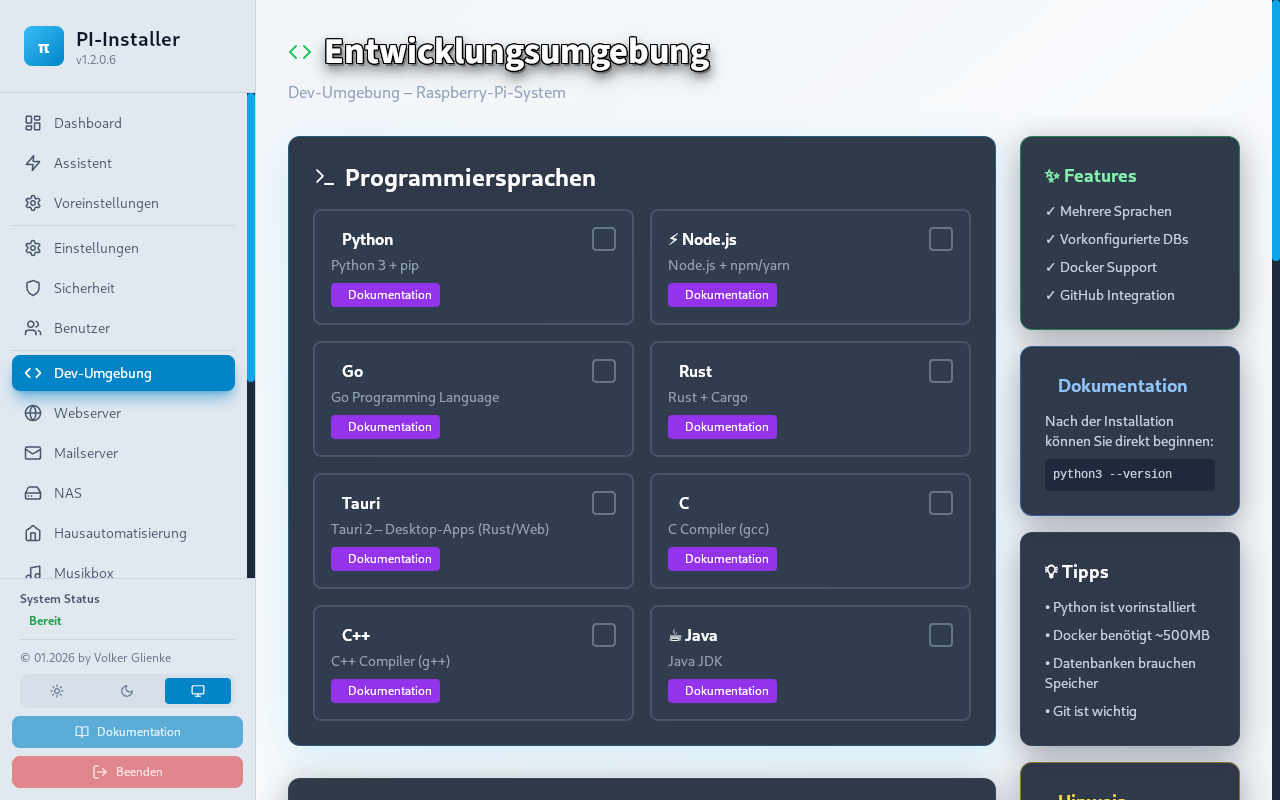
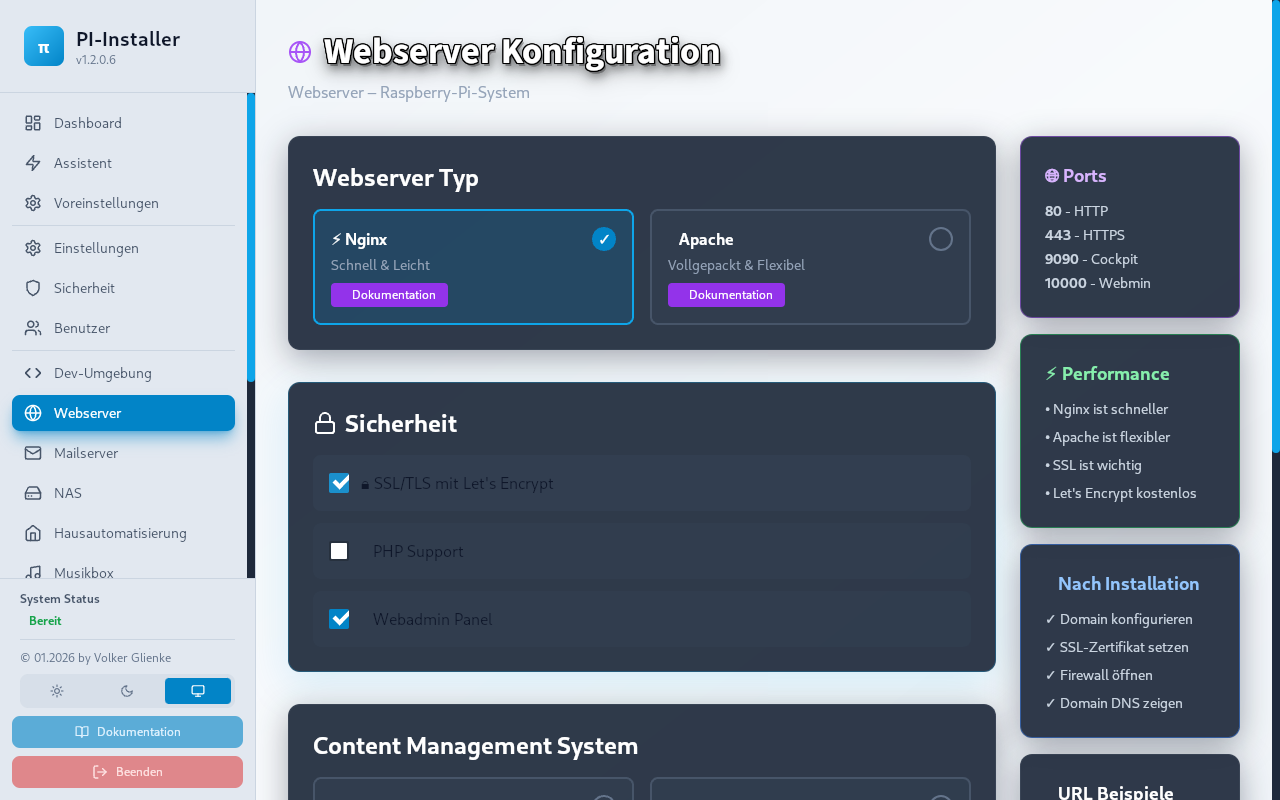
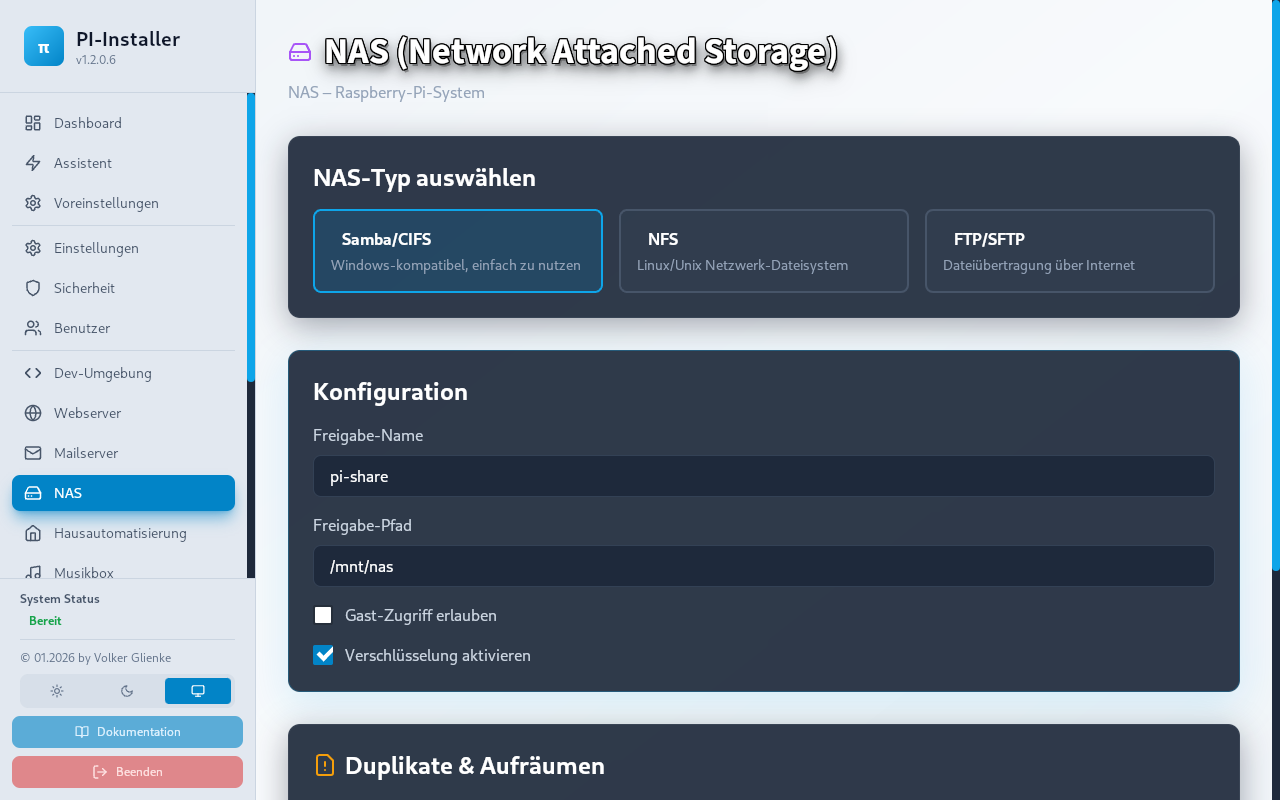
Note: Screenshots are captured from the running app (not mockups). Missing images show a placeholder with the expected filename until exported from Tauri.
Project: media server · Project: smart home starter · Troubleshooting: slow system
Community: Community