Software and standards

Uses e.g.: rsync, OpenSSH (remote copies), Samba when the target is an SMB share.

Requirements

  • External storage or NAS
  • Defined folders to back up
  • Regular schedule

Steps

  1. Define data areas to protect
  2. Set up the backup target
  3. Run the first backup
  4. Test restore

Product view (current build)

Note: Screenshots are captured from the running app (not mockups). Missing images show a placeholder with the expected filename until exported from Tauri.
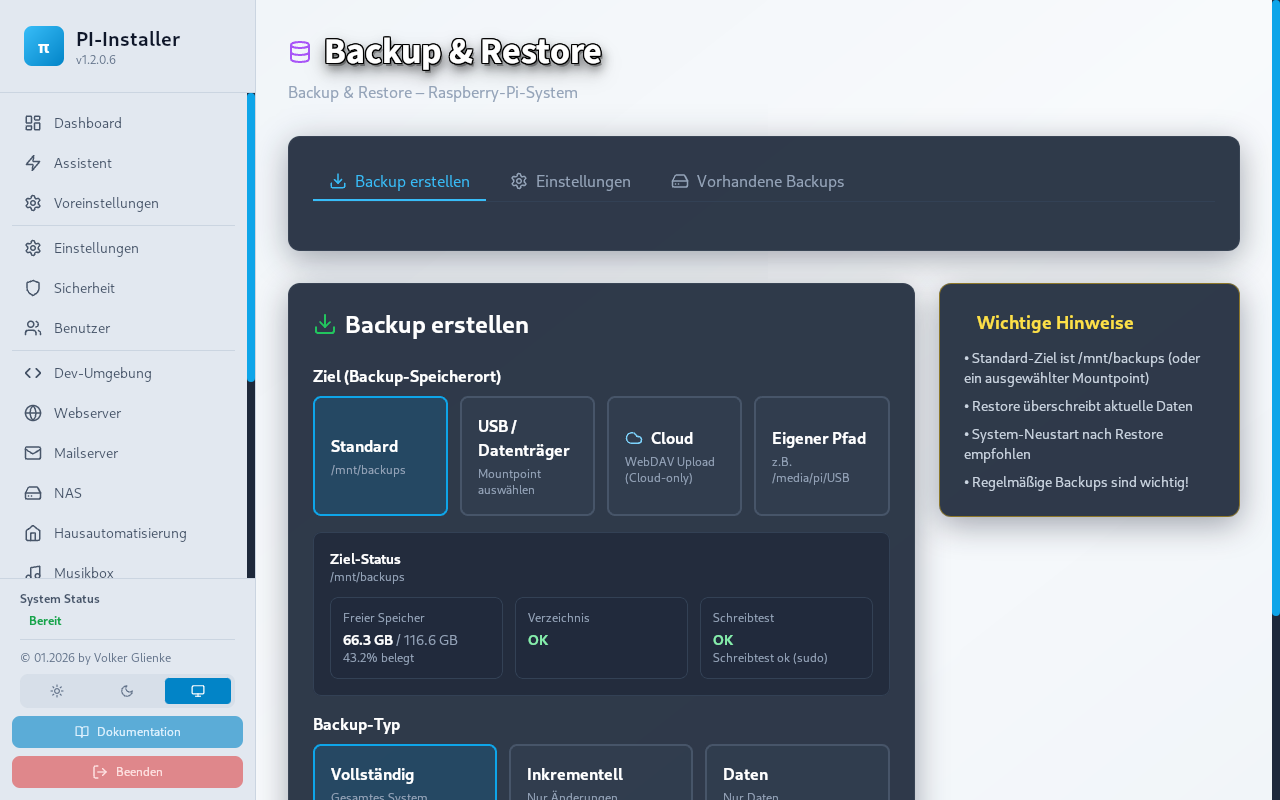
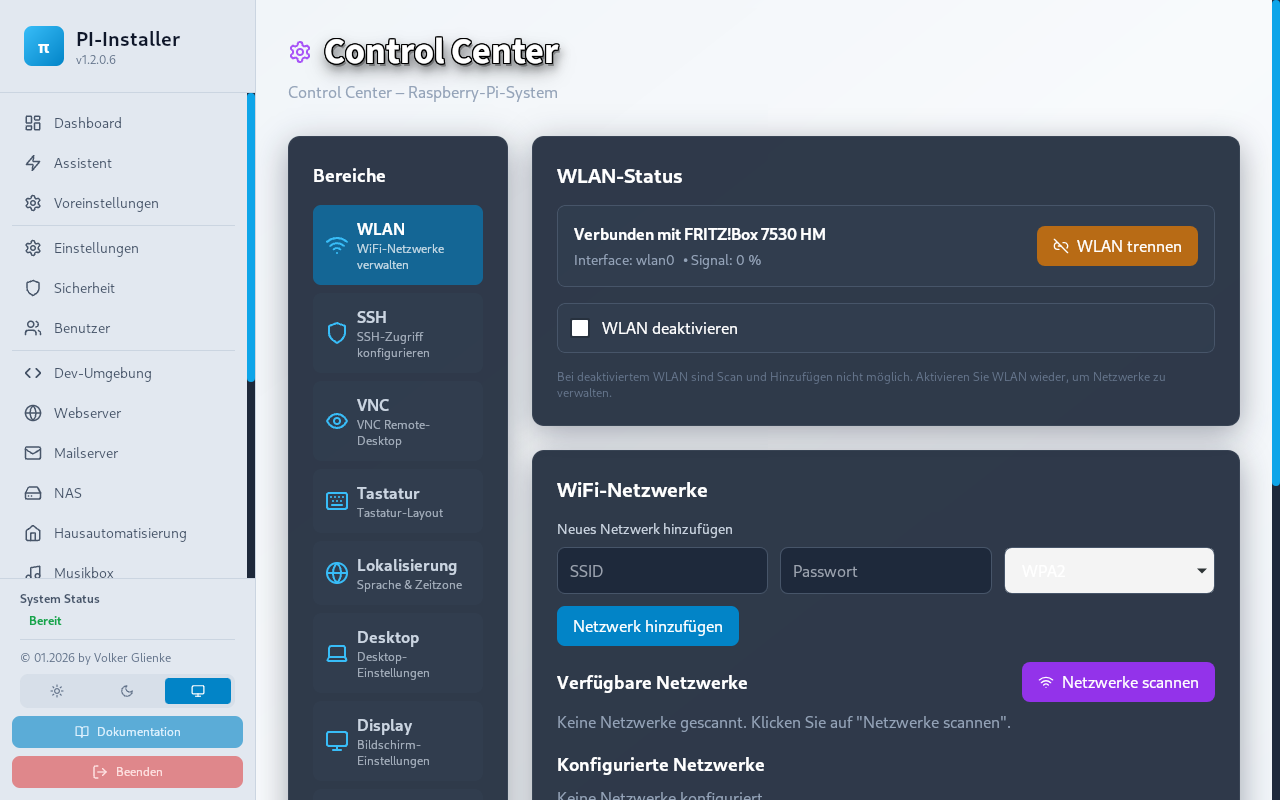
Backup section in PI-Installer
Backup
Control Center for backup status
Control Center
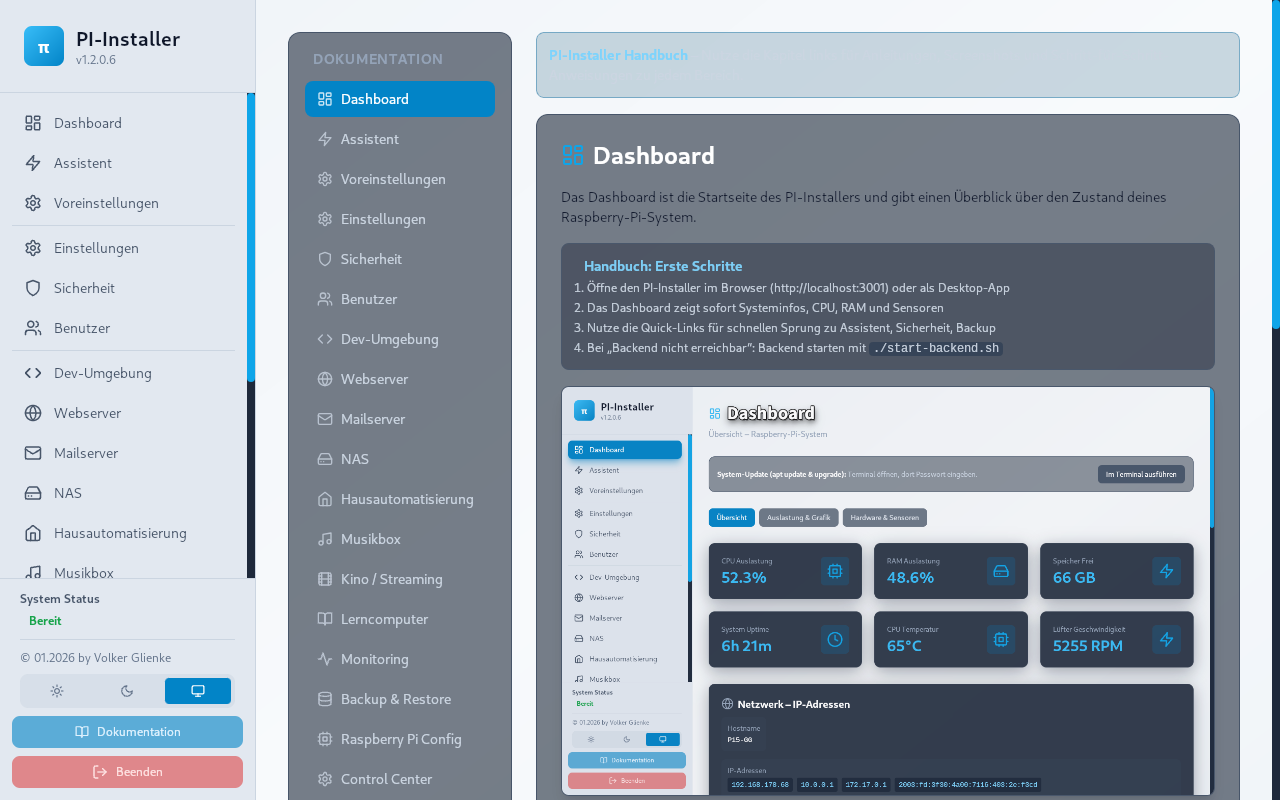
Documentation on backup and restore
Documentation

Notes

  • Do not store backups only on the same drive as the live system
  • Periodically verify backups are readable

Typical mistakes

  • Manual-only backups with no routine
  • Never testing restore
  • Unclear folder layout in backups

More tutorials

First setup · Network basics · Backup documentation

If something fails: Troubleshooting · Community